Services / five parts of a watch
Search. Notify. Obtain. Plus the setup and the shelf it all lives on.
Each part below is real work with a written output. Nothing here interprets a record or gives legal advice; we report what the index shows and hand over what the custodian releases.
Search
Scheduled index-level searches against the sources you nominate, with the exact query we ran recorded every time. Weekly, monthly or tied to a filing cycle, the search runs whether or not anything is there, and the log shows that it ran.
- Names
- Parcels
- Business entities
- Court indexes

Notify
An email alert when a new entry matches, showing what changed, when it appeared and where it came from. The alert quotes the index entry itself, so you are reading the record and not a summary of a summary.
- What changed
- When it appeared
- Which index
Obtain
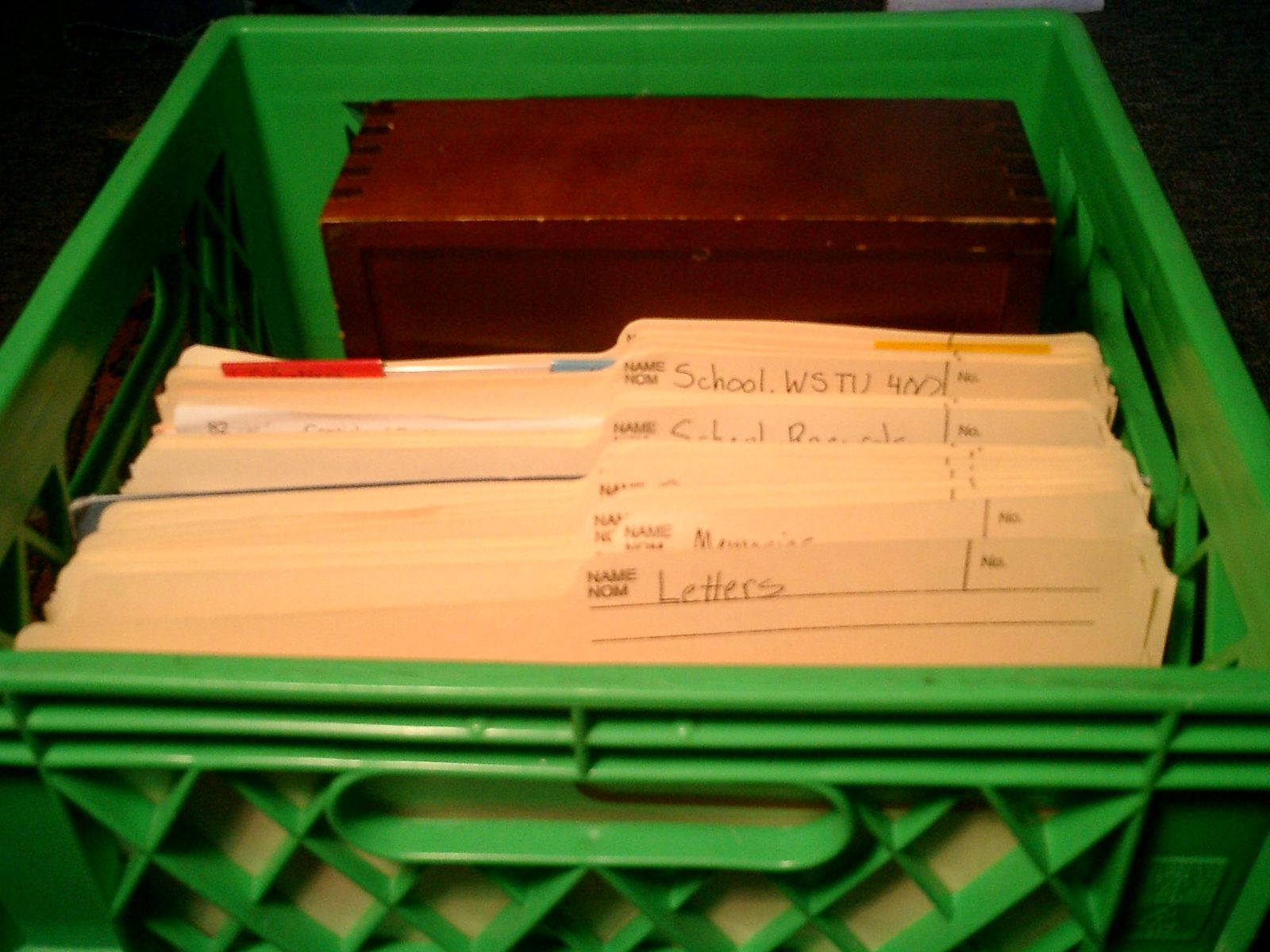
We request copies from the custodian, track the request while it is outstanding and pass the response straight through to you. If the custodian releases a redacted or partial document, you get it as released, with a note on what was asked for.
- Request filed
- Status tracked
- Response passed through

Watch setup
We define the watch with you: the identifiers, the sources, the frequency and the conditions that count as a match. Setup is a conversation and a written scope, and if a target cannot be watched on a schedule we say so before you commit to anything.
- Identifiers
- Sources
- Frequency
- Match conditions

Your archive
Every result and every alert kept in one place so you can see the history of a watch, not just the latest hit. Past queries, past alerts and past documents stay retrievable after the inbox has moved on.
- Results
- Alerts
- Query log
- Documents
What a watch can be set against
The record types we watch on a schedule in Colorado, and in other states where the custodian publishes a searchable index.
Record types
Colorado first / other states on request- New filings against a name
- Parcel and recording activity
- Business entity status changes
- Court index entries
- Permit issuance
- Licence status changes
- Notice postings
- Request and delivery logs
Not sure your target can be watched?
Send the name, address, parcel or entity and the question behind it. You will get a straight answer on whether it can be searched on a schedule, and what a match would look like.